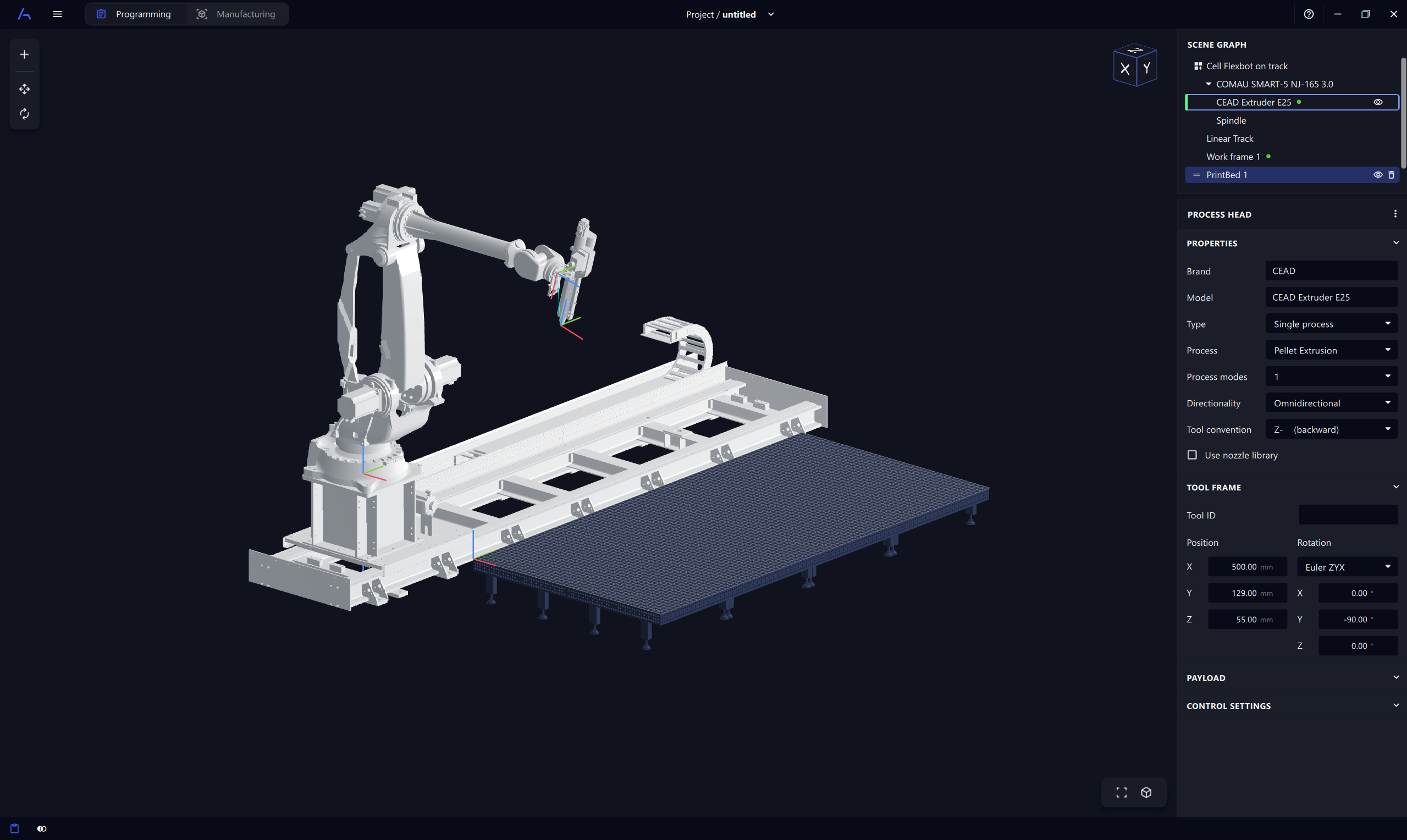
Import an existing robot cell
Importing an existing robot cell is a quick and easy way to get started with AdaOne. Import one of our demo cells or a pre-configured cell supplied by your hardware integrator. The Pack & Share feature also makes it easy to export and share your own robot cells with others.
- 1Find and select the shared file
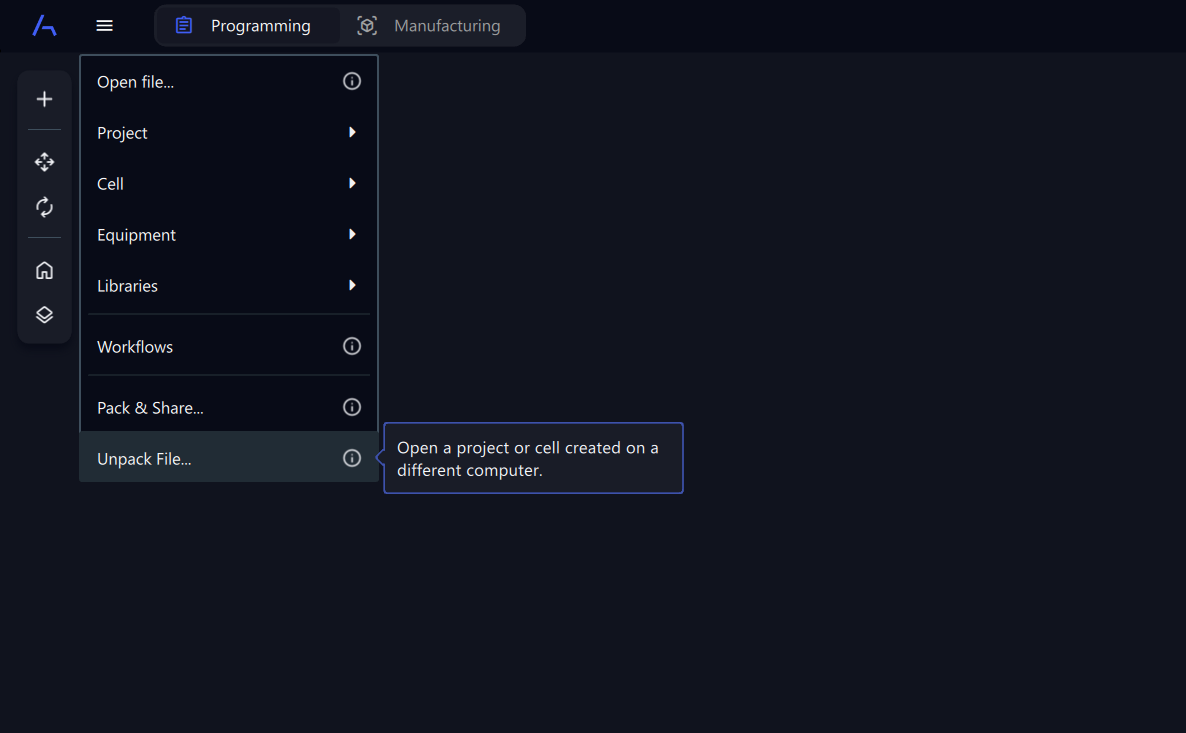
Go to Main Menu -> Unpack File and locate the .adxczip file with the cell you would like import.
- 2Choose where to store the cell files
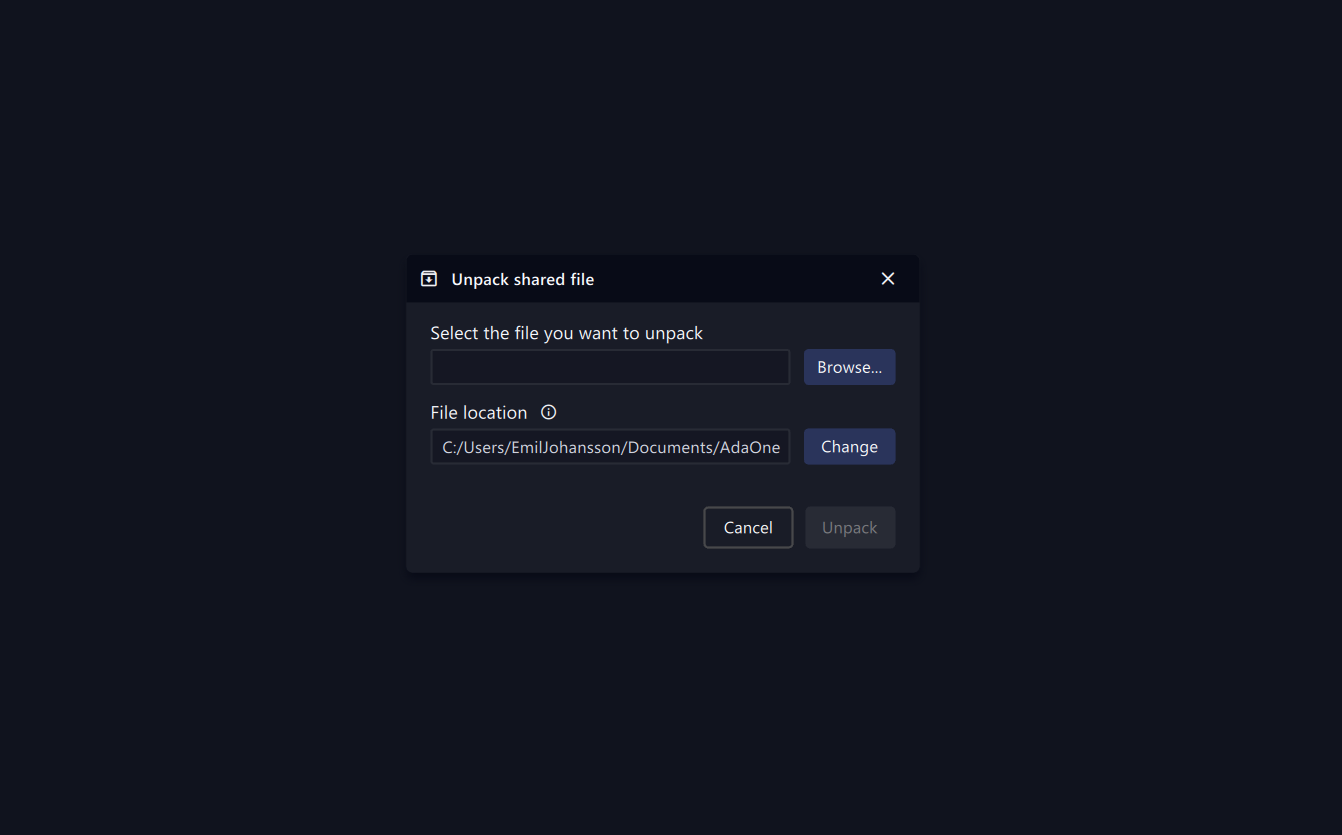
Select a local folder where the imported 3D models for the cell will be stored. Click Unpack to import the cell to AdaOne.
- 3Start using the imported cell
The robot cell is now imported and available to use when creating new projects.